Typedome
Free typing games in English, Korean and Japanese: Typedome
Free browser typing games in English, Korean and Japanese: arcade runs with online leaderboards, survival games, games for kids and a Korean course.
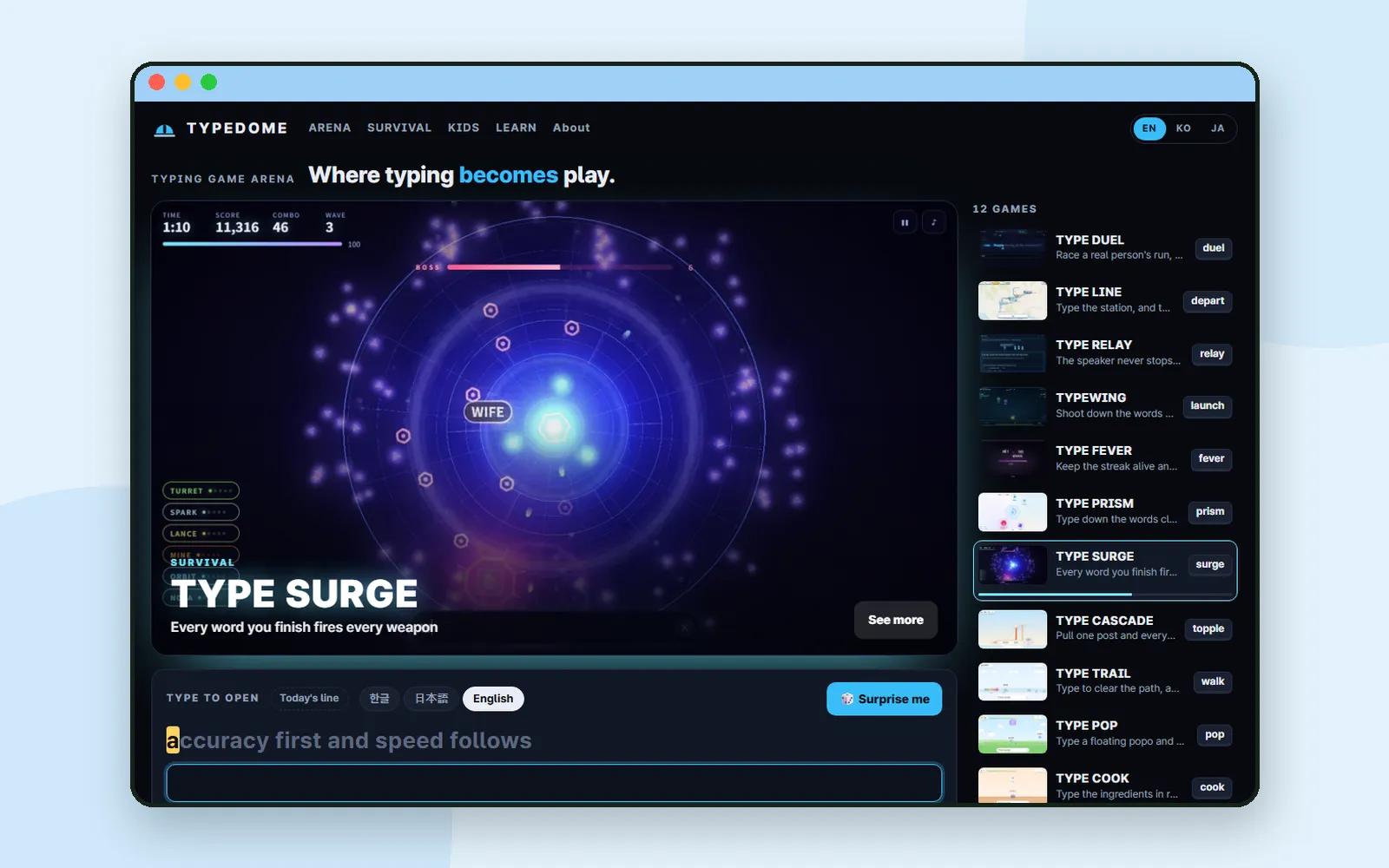
A typing test usually means one paragraph and a speed at the end. Typedome is a set of free typing games that run in your browser, in English, Korean and Japanese. Some race the clock for a place on an online leaderboard, some last until you fall, some are made for a child's first keyboard, and one teaches Korean typing from the first letter. There is nothing to install and no account to create.
ZZXXCCVV siteTypedomeFree typing games in English, Korean and JapaneseOpen1. The home page: watch, then type
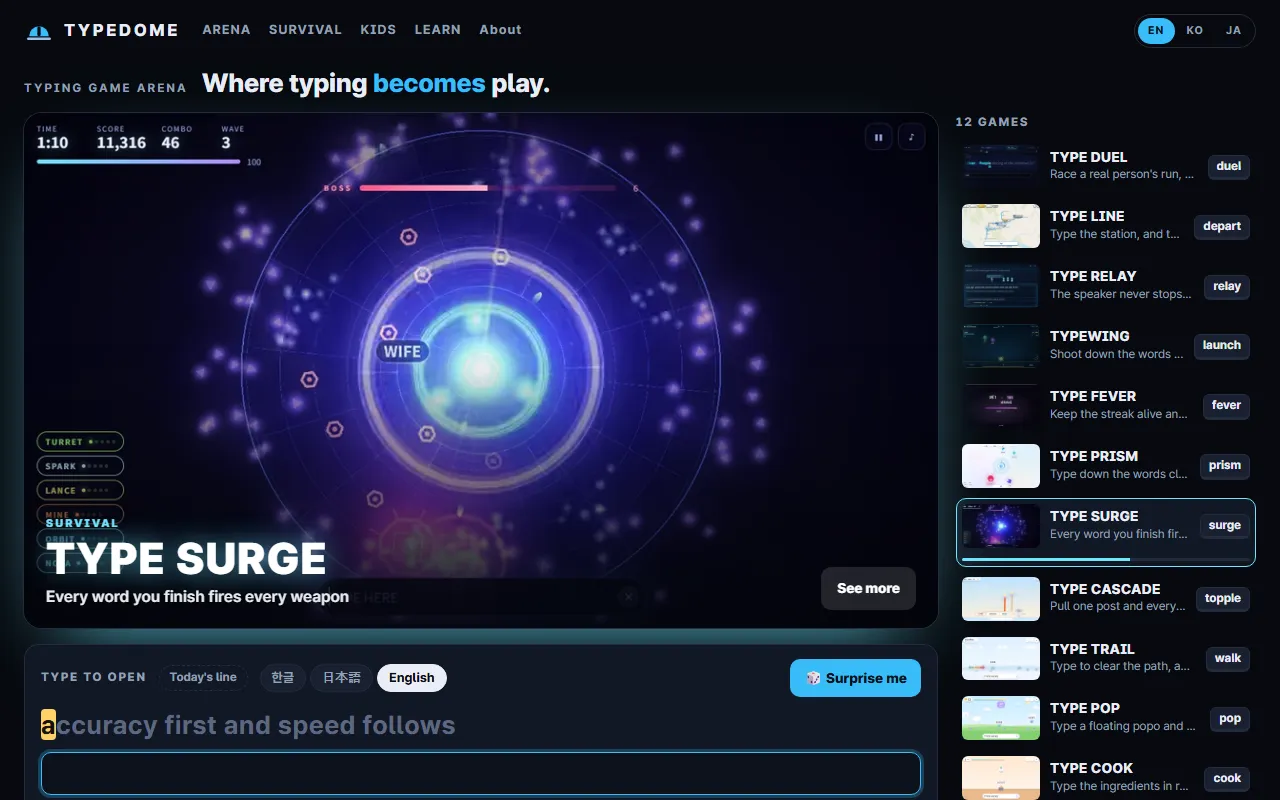
The Typedome home page opens on a stage that plays short clips of real runs, one game after another, next to a list of every game. Use EN, KO and JA at the top right to change the page language.
Below the stage is the Type to open panel, and you can start typing straight away:
- Type Today's line in 한글, 日本語 or English to measure your speed. The clock starts with your first key, and the panel shows speed, accuracy and seconds.
- Type a game's entry word, the short word on its card (for TYPE FEVER it is "fever"), to open that game.
- 🎲 Surprise me picks a game for you.
2. Four shelves
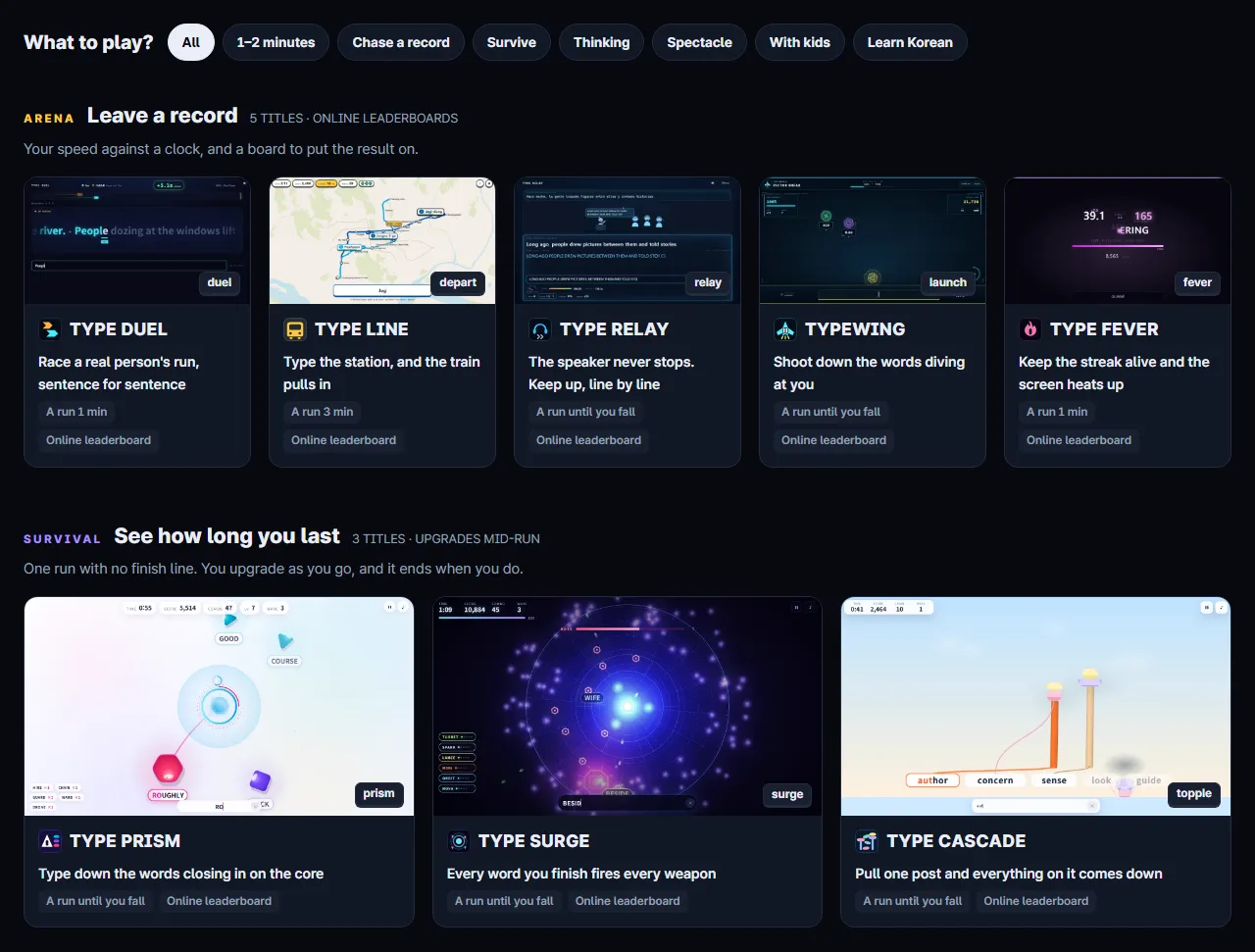
Further down, the games are grouped into four shelves. The What to play? chips above them filter by mood: 1–2 minutes, Chase a record, Survive, Thinking, Spectacle, With kids and Learn Korean.
| Shelf | What it is | Examples | Records |
|---|---|---|---|
| ARENA | Your speed against a clock | TYPE DUEL, TYPE LINE, TYPE FEVER | Online leaderboard |
| SURVIVAL | One run with no finish line; you upgrade as you go | TYPE PRISM, TYPE SURGE, TYPE CASCADE | Online leaderboard |
| KIDS | A first keyboard, ages 4 to 10 | TYPE TRAIL, TYPE POP, TYPE COOK | This device only |
| LEARN | Korean typing from zero | TYPE HANGUL | This device only |
Each card says how long a run lasts, such as A run 1 min or A run until you fall. In TYPE DUEL you race a real person's run of the same course, and in TYPE LINE you type station names to bring trains in.
3. Open a game
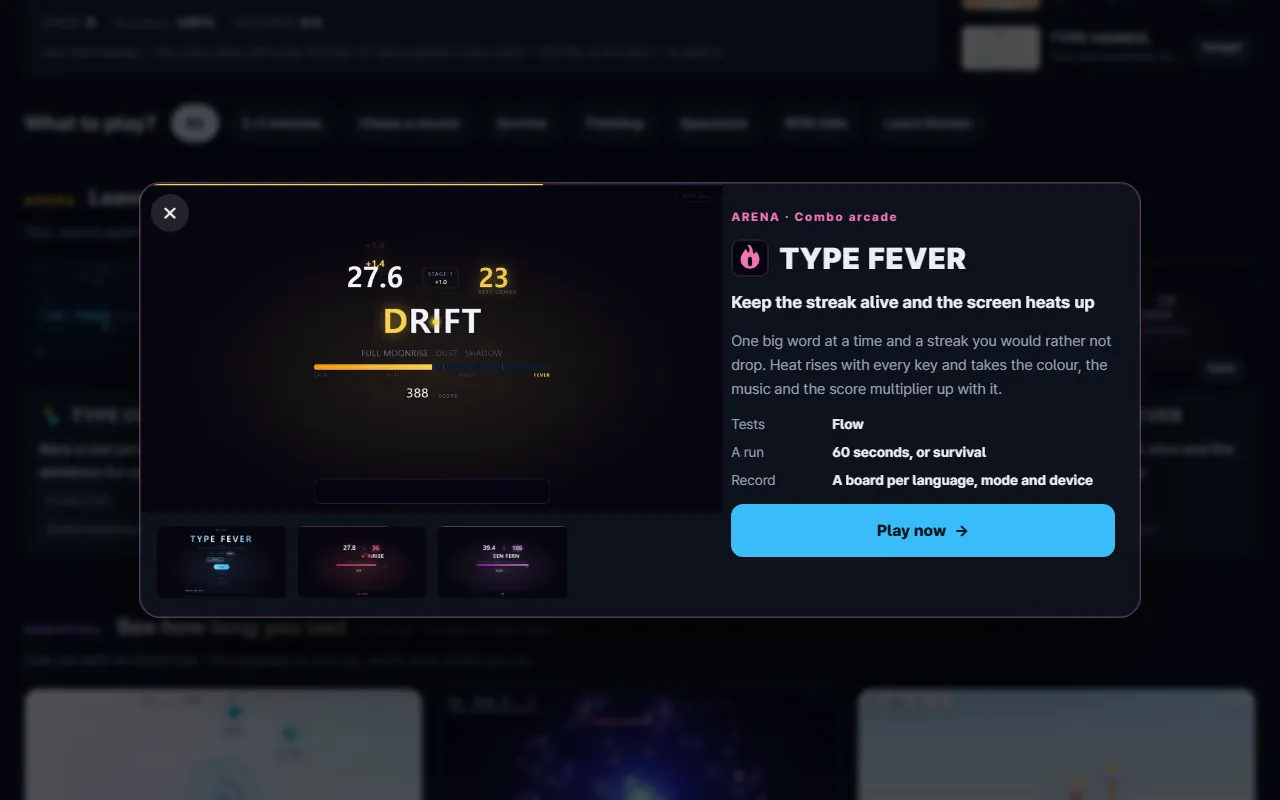
Click a card, or type its entry word, and a sheet opens with clips of the game, the rules in a few lines and what the game tests. Play now → takes you to the game. Here we use TYPE FEVER, where one big word sits on the screen at a time and an unbroken streak heats it up.
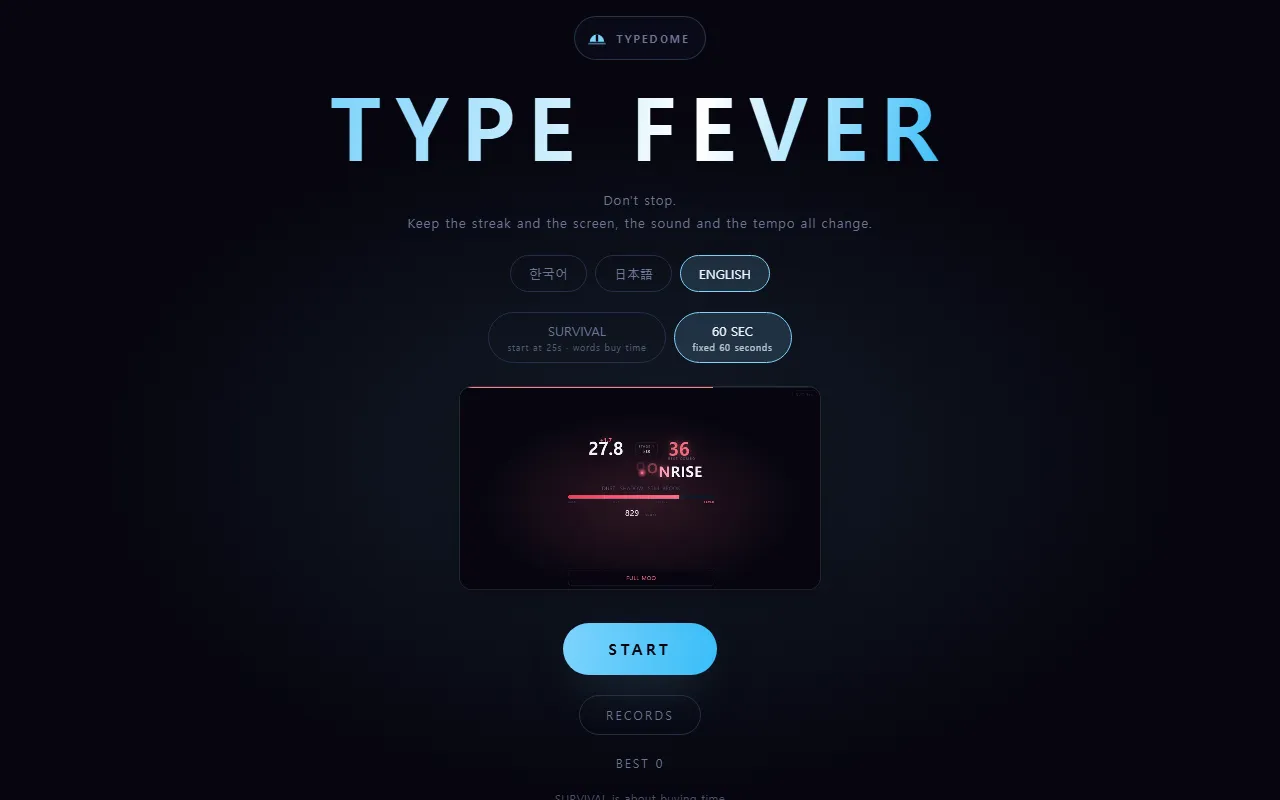
The start screen has two choices:
- Language: 한국어, 日本語 or ENGLISH. This sets the language of the words you type.
- Mode: SURVIVAL starts at 25 seconds and each word buys time; 60 SEC is a fixed 60 seconds.
Press START and type. Typing happens in a box at the bottom of the screen.
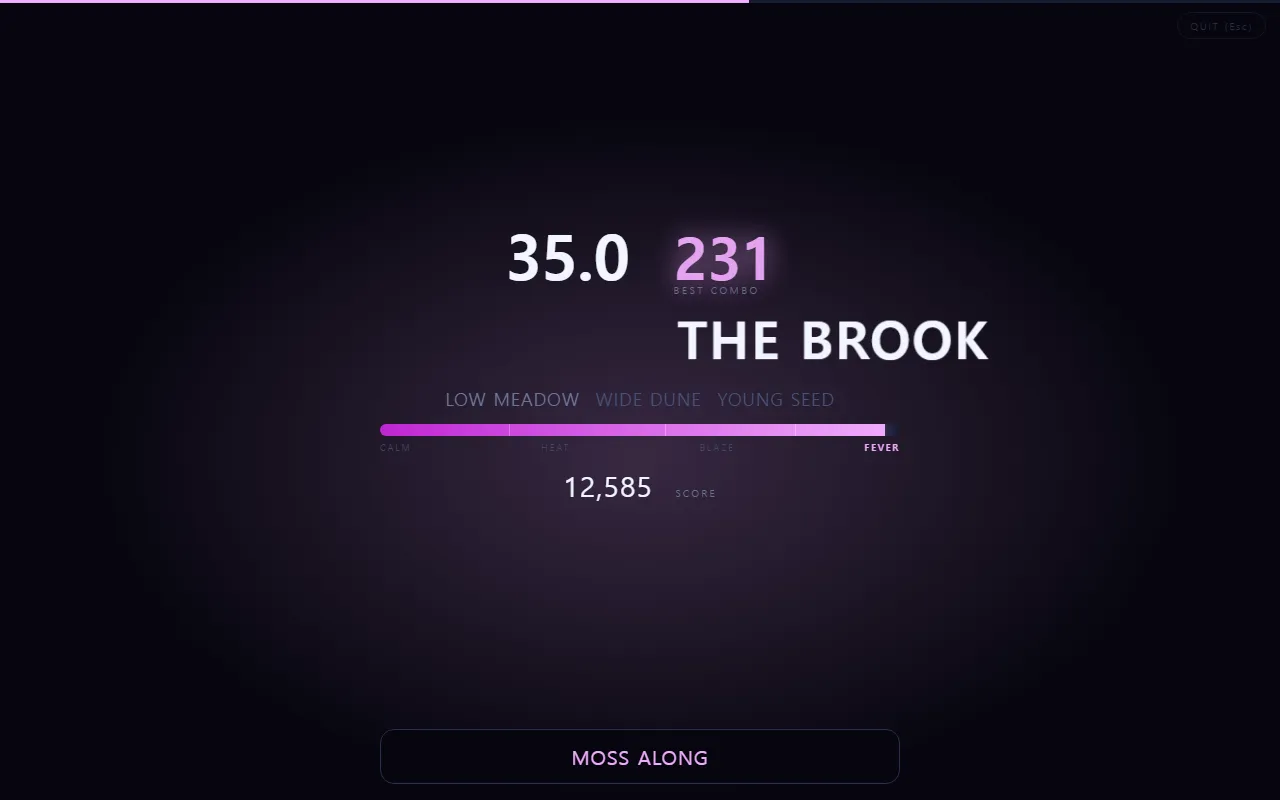
Typedome judges each language by its own rules: Korean by syllable composition, Japanese by romaji input and English letter by letter. A character you are still composing is not counted as a typo.
4. Leaderboards without an account
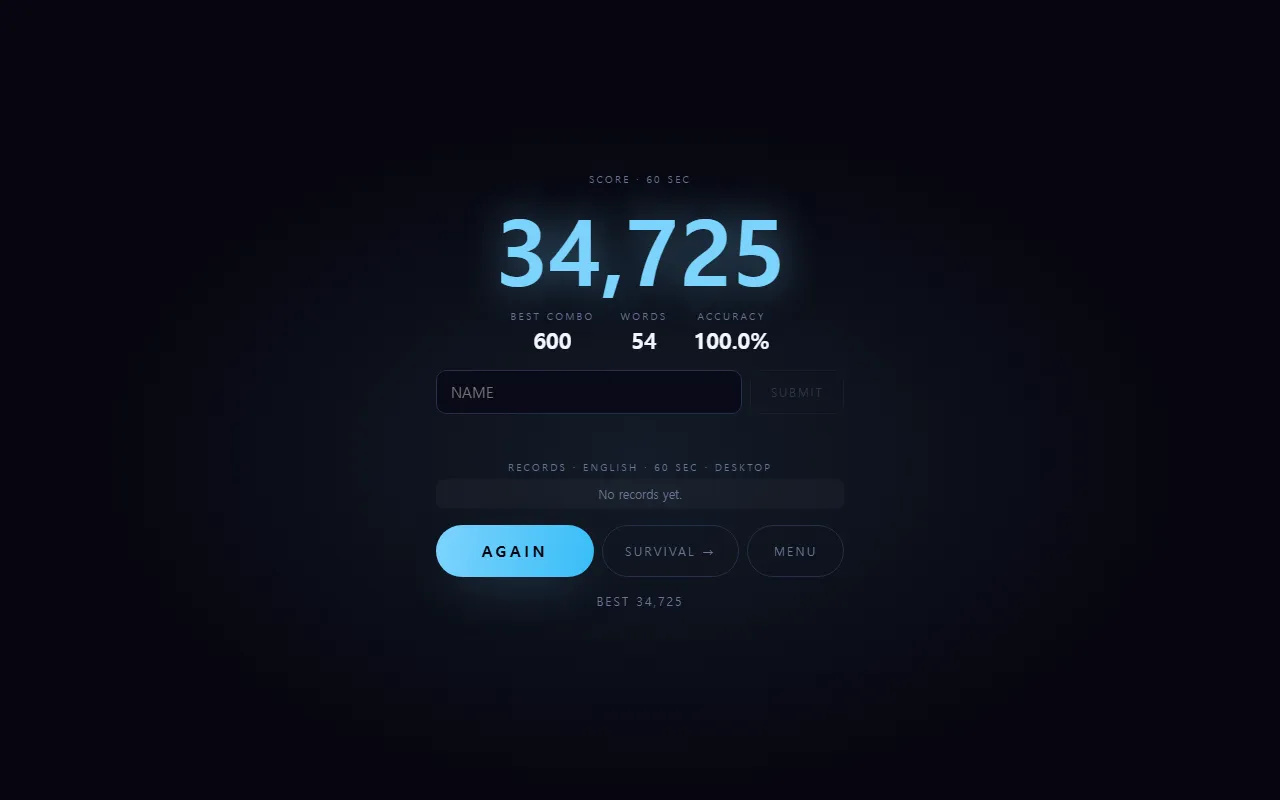
When a run ends, the result screen shows your score, best combo, words and accuracy. To put the score on the online leaderboard, type a nickname in NAME and press SUBMIT. That is the whole sign-up: there are no accounts.
- Each game keeps separate boards by language, mode and device, so a run typed on a phone does not compete with a desktop keyboard. The list under the field shows the board you are on, such as English · 60 SEC · Desktop.
- According to the privacy policy, nothing is sent until you submit, and a nickname can be up to 10 characters. The site says scores are verified on the server, so forged runs do not reach the board. Do not use your real name.
- The home page shows This week's #1 for each scoring game, and it starts over every Monday. Until enough players post, sample records fill the weeks with none.
5. KIDS: a first keyboard
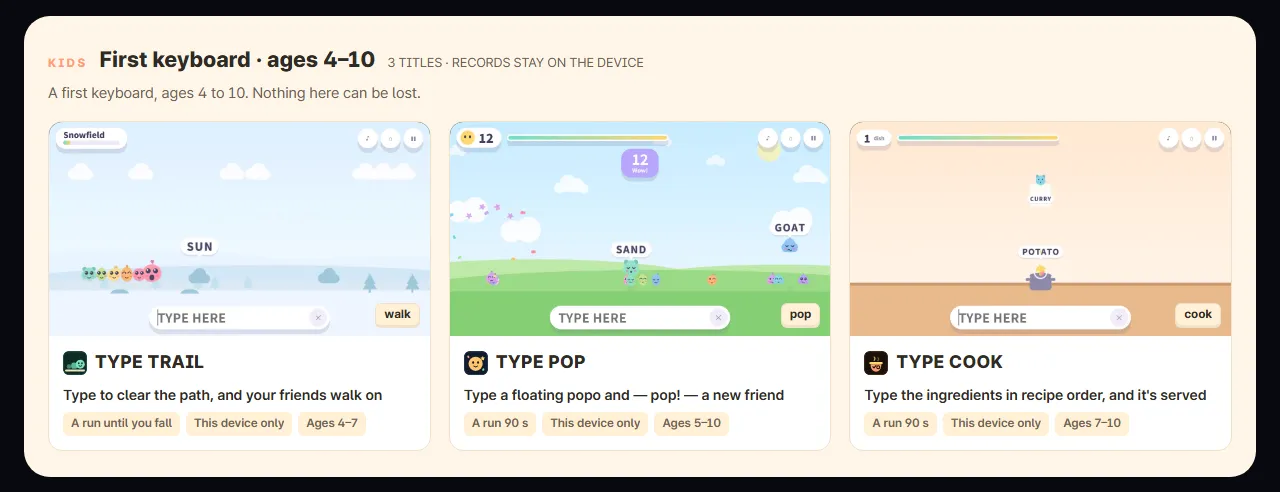
The KIDS shelf is built for children aged 4 to 10. Each card gives an age range: TYPE TRAIL 4–7, TYPE POP 5–10 and TYPE COOK 7–10. The site describes these games as having no leaderboard, no nickname field and no account, with records that stay on the device.
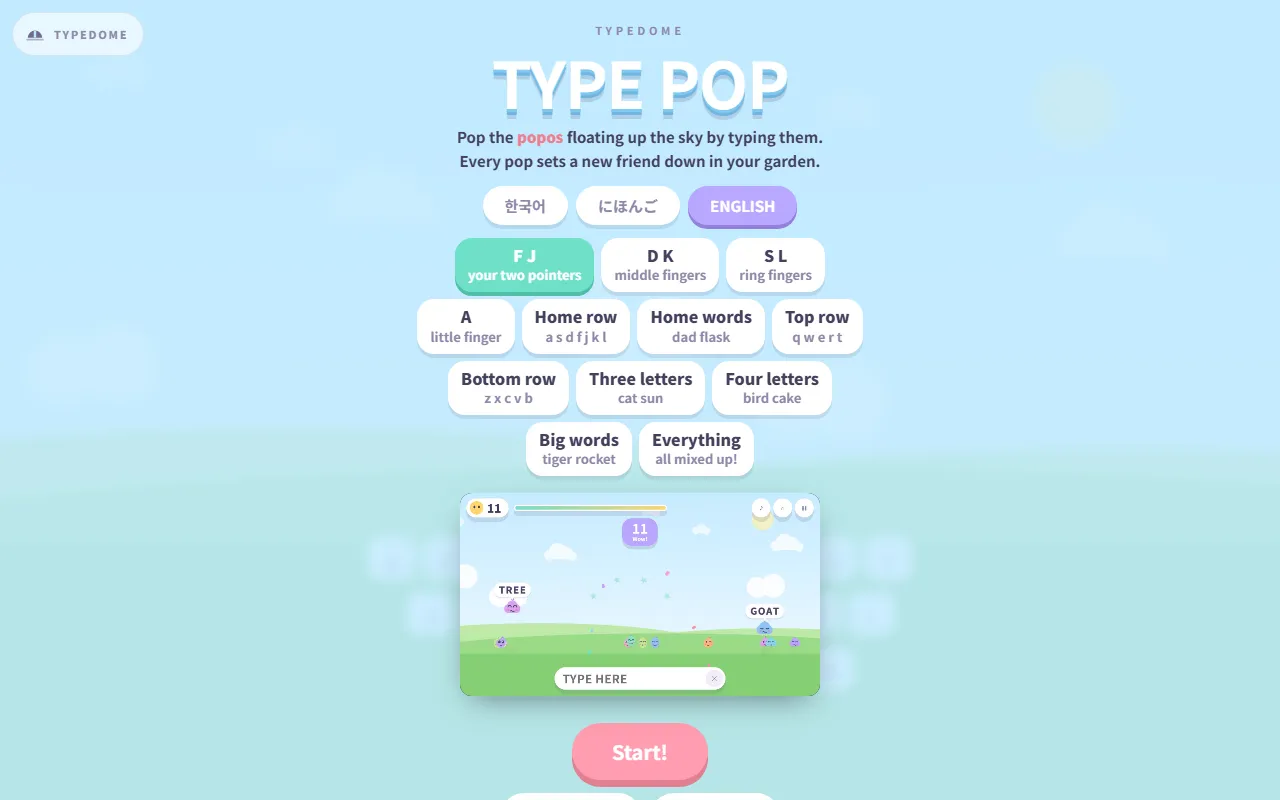
In TYPE POP, you pop the popos floating up the sky by typing them, and each pop sets a new friend down in the garden. Lessons start with a few keys, such as F J — your two pointers, and grow to whole words. The Sticker book and My records stay on the device.
6. LEARN: type Korean from the first letter
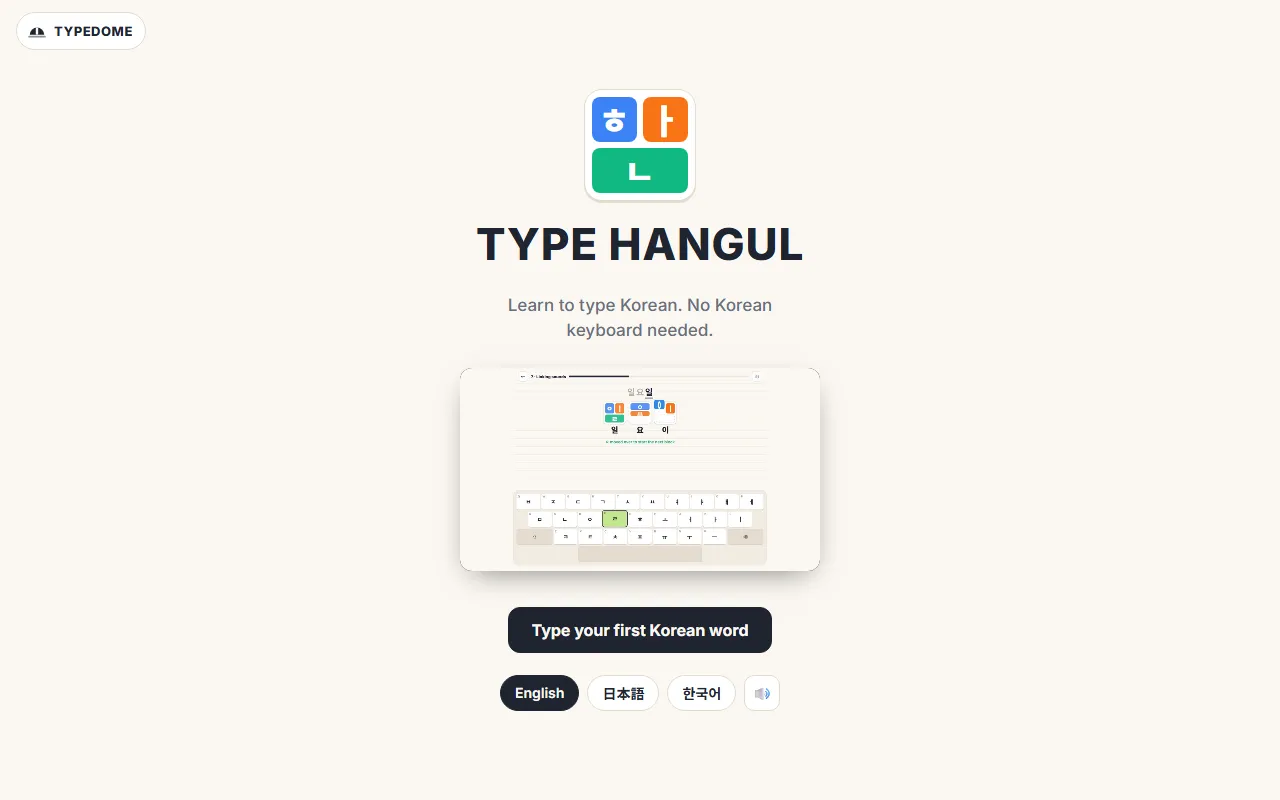
TYPE HANGUL is for people learning Korean. It teaches Korean typing from the first letter on the keyboard you already have, and shows how letters build into syllable blocks as you type. No Korean keyboard is needed. Press Type your first Korean word to begin.
7. A note on language
The home page comes in English, Korean and Japanese. On a game page, the game itself, its buttons and its words follow the language you choose, but some text around it stays in Korean, such as the browser-tab title and, on most games, the fold-out box under the game labelled 게임 설명 · 조작법 · 연습 팁 (game description, controls and tips).
Coming up
Next time: practising Korean listening by level with Korean Out Loud.
Frequently asked questions
Do I need an account to play Typedome?
No. There are no accounts or logins. A score goes on an online leaderboard only if you type a nickname on the result screen and press the button to submit it; until then, nothing about your run is sent.
Which languages can I type in?
English, Korean and Japanese. You choose the language on each game's start screen. Korean is judged by syllable composition, Japanese by romaji input and English letter by letter.
Are the KIDS games safe for young children?
The KIDS games are for ages 4 to 10. According to the site's privacy policy, they have no leaderboard, no nickname field, no account and no ads, and their records never leave the device. The scoring games' leaderboards are not meant for children.
Is Typedome free? Are there ads?
It is free. The privacy policy says ads appear only on the result screens of the games that keep score, never during play, on the home page, in the KIDS games or in TYPE HANGUL.